
How to Run Your Projects with Parallel AI Agents on Discord Using OpenClaw
Want to have your own multi agent team running your operations? Learn to use Discord channels to manage, designate, and execute everything in parallel with OpenClaw agents


🚀 We just launched our OpenClaw Builders Club Skool community
An exclusive community for members to master OpenClaw, build smart automations and agent systems that run 24/7. Share skills, get unstuck fast, and ship your personal AI agents with essential how-to guides, troubleshooting, and community Q&A’s.
If you want to learn OpenClaw and agent systems but are stuck, don’t have the motivation, or missing the helpful group space that makes all of this easier, this is for you.
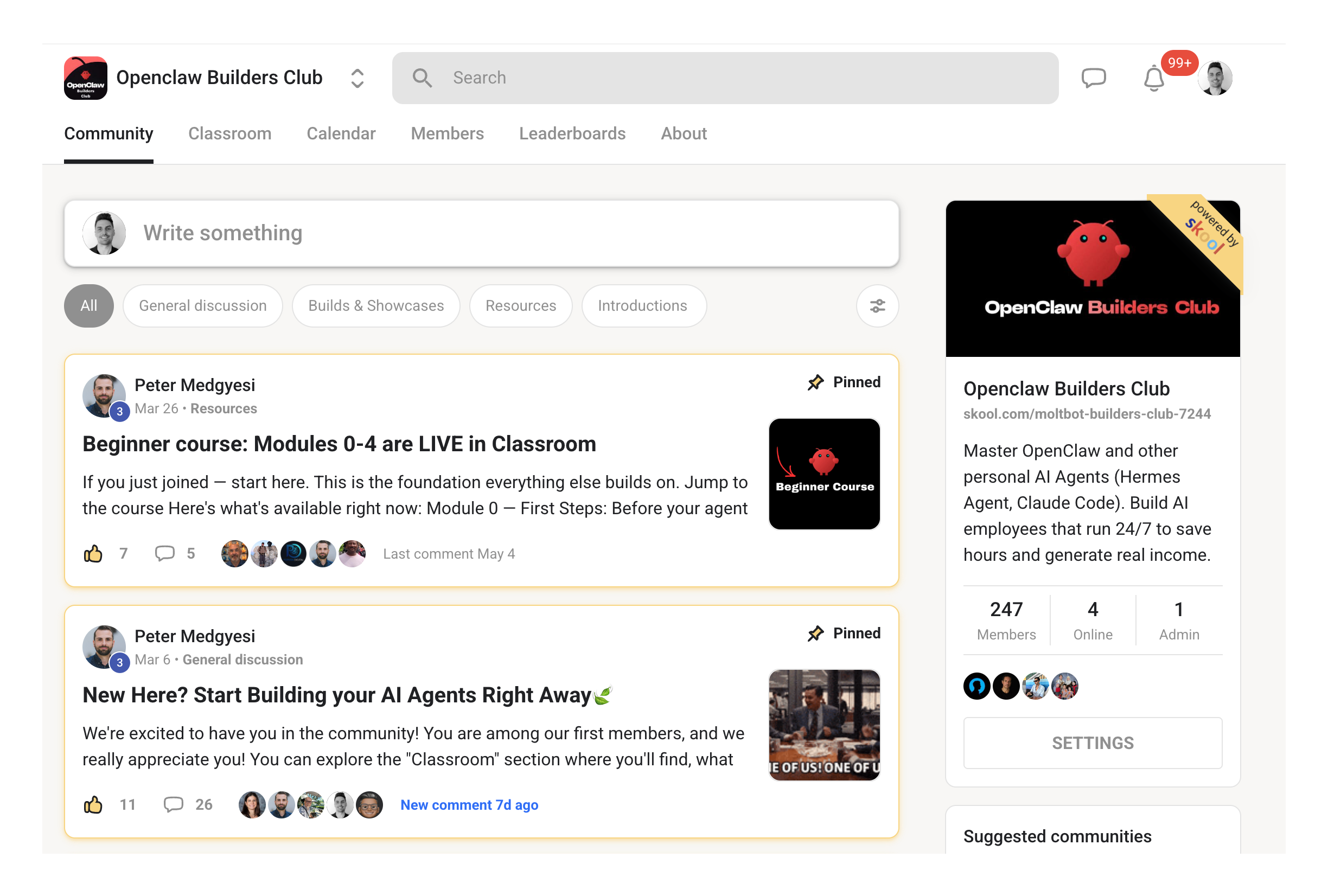
Our first 30 members will be part of our founding member group with free perks and discounts.
Come join and build together with like-minded learners and builders.
✅ 240+ members and counting!
📌 Overview
Unlike Telegram where everything runs sequentially through one chat, Discord changes the game by letting each channel act as its own independent OpenClaw agent, so five, six, or seven agents can work on different projects in parallel.
This walkthrough shows you how to set up Discord channels as parallel agents, configure the bot, and structure channels by project or skill to run a multi-agent workspace for your agency.
🚀 How does this help?
Removes the single-task bottleneck of Telegram so multiple agents run in parallel across content, research, outreach, and client projects at the same time.
Gives each project its own persistent channel with separate context, so your agency workflows stay laser-focused without conversations bleeding into each other.
Cuts setup time to roughly 15–20 minutes when paired with Claude Code, so you stop wrestling with documentation and start shipping work faster.
⚙️ Apps and tools
[ ] Discord (server + Developer Portal access)
[ ] OpenClaw (with Discord gateway configured)
[ ] Claude Code (for fast setup and error-fixing)
[ ] An API option: Claude Sonnet/Opus 4.6, Kilo Code ($5 free credit), Codex, Mistral, Mini Max, or local GLM 4.7 Flash via Ollama
[ ] Optional: Mac Studio (to run local models 24/7 for free)
[ ] Optional: Cloudflare Mole Worker (if a VPS-style setup is required)
🧱 Main Steps: Build a Parallel Discord Agent Workspace
Step 1 — Discord vs Telegram
Telegram queues your tasks through one linear chat, which caps how much work an agent can do in parallel.
Discord uses channels, and each channel becomes an independent OpenClaw agent session sharing the same workspace and files but with separate conversation context. That means no context merging between conversations and no ceiling on how many projects you run side by side.
💡 Pro Note: Think of Telegram as five employees lined up to walk through one door. Discord lets each employee walk through their own door at the same time. Same team, same tools, parallel output.
If you’re like me and you also like and use Telegram, you can use Telegram for quick back-and-forth on mobile or simple one-offs, then use Discord for parallel project work, team collaboration, and anything needing persistent context per project.
If you want to run parallel agents in Telegram, check out our guide here:
Step 2 — Set up the Discord bot for OpenClaw
Go to the Discord Developer Portal, create a new application, name it, configure the bot, set permissions, and add it to your server.
Update your OpenClaw config with the bot token and server ID, then restart the gateway. The fastest route is to open Claude Code, paste in the bot token, and let it iterate on any errors until the gateway runs cleanly.
⚡ Tip: Skip the documentation rabbit hole. Open Claude Code in your terminal, hand it the Discord bot token, and paste in any errors that appear. Setup typically lands in 10–15 minutes this way instead of an hour reading docs.
Step 3 — Create parallel channels for each agent
In Discord, right-click an existing OpenClaw channel, click Duplicate Channel, and rename it for the project or skill (e.g.
marketing-ideas,video-ideas,product-ideas).
Tag OpenClaw inside the new channel and give it a focused first instruction so the agent locks into that channel’s topic. Each duplicated channel inherits the gateway connection, so the new agent is live and responding within seconds.
🧪 Example: Inside a new
product-ideaschannel, tag OpenClaw and ask: “Focus on improving my social outreach content. Give me 20 ideas for X campaign” The agent responds instantly and stays scoped to that channel.
Step 4 — Train each agent with its own skill file
Give each channel its own
SKILL.mdfile so the agent knows the role and rules for that specific project (e.g. one skill file for video ideas, another for marketing, another for client outreach).
